
How to Make a TikTok Slideshow in 2026 (Photo Mode)
A TikTok slideshow is a swipeable Photo Mode post of up to 35 images. Here is how to make one, the sizes to export, why swipes beat passive views, and how to run slideshows on Instagram too.
Key takeaways
- A TikTok slideshow is a swipeable Photo Mode post that holds up to 35 images, with the selected sound playing while viewers swipe through.
- Slideshow images should be exported at 1080 x 1920 pixels in a 9:16 vertical ratio, the same frame as a full-screen TikTok video.
- Most slideshows perform best at 5 to 10 slides, well under the 35 slide ceiling, because attention drops off after the first few swipes.
- Instagram carousels hold up to 20 slides, double the 10 slide limit that stood until August 2024.
- Fastlane generates slideshows and videos from a website URL and publishes them natively to TikTok, Instagram Reels, and YouTube Shorts.
A TikTok slideshow is a swipeable post built from still images rather than video, made with TikTok's Photo Mode. To create one: tap the plus button, switch to Photo at the bottom of the camera screen, pick up to 35 images from your camera roll in the order you want them, add a sound and on-screen text, then post. It takes a couple of minutes, needs no filming, no lighting, and no one on camera. For brands and creators who want to publish every day without a shoot, slideshows are the cheapest reliable format on the platform, and the feed treats them as first-class content rather than a lesser version of video.
What is a TikTok slideshow?
A TikTok slideshow, also called a TikTok carousel or Photo Mode post, is a single post containing multiple still images that the viewer swipes through horizontally while audio plays. It sits in the same For You feed as video, uses the same sounds, the same captions, and the same hashtags. The difference is the interaction: video plays at you, while a slideshow asks you to do something. That small ask is the whole strategic point of the format.
Photo Mode has to be selected deliberately. If you assemble images into a video in an editing app and upload the result, you get a video that happens to contain photos, not a swipeable post. Viewers cannot control the pace, and none of the swipe signals exist. Switching to Photo in the TikTok camera screen before you select images is the step people skip most often.
How do you make a TikTok slideshow step by step?
- Open TikTok and tap the plus button to start a new post.
- Switch to Photo at the bottom of the camera screen, next to the record button, before you touch your camera roll.
- Tap the gallery icon and select your images in the exact order you want them to appear, up to a maximum of 35.
- Tap Next, then add a sound. The audio plays across the post rather than being cut to a single slide.
- Add text to each slide, starting with the hook on slide one and a reason to swipe on the last slide.
- Write a caption, add hashtags, and post, or schedule it if you are working ahead.
That is the manual path on a phone. The bottleneck is never the app, it is the supply of images and hooks. Making one slideshow is easy. Making one every day for three accounts, with different angles, is the part that quietly stops most brands after two weeks.
How many photos can a TikTok slideshow have, and what size?
TikTok allows up to 35 images in a single Photo Mode post. Export each image at 1080 x 1920 pixels in a 9:16 vertical ratio so it fills the phone screen the same way a full-screen video does. Anything squarer gets letterboxed, and text placed near the edges risks colliding with the caption, the profile button, and the interface overlay on the right.
The ceiling is not the target. Most brand slideshows do their work in 5 to 10 slides, because attention drops sharply after the first few swipes and a viewer who quits at slide four out of thirty has told the algorithm something worse than one who finished a tight sequence of six. Use the long end only when the content genuinely earns it, such as a step-by-step walkthrough or a receipts-style thread where each slide is proof.
Why do slideshows often outperform video?
Because swiping is an action. Short-form ranking systems care most about whether people stay and whether they interact, and a slideshow converts passive watching into a sequence of small deliberate choices. Each swipe is a viewer choosing to keep going. A slideshow that holds someone for eight slides has produced eight of those choices plus the dwell time in between, which is a much louder signal than a video that autoplayed while the viewer was already scrolling away.
Slideshows also carry more text comfortably. A 15 second video can hold one idea. A slideshow can hold a claim, the objection, the proof, and the offer, and the reader controls the pace, so denser copy is a feature instead of a problem. That makes the format unusually good at the middle of the funnel: comparisons, before and after, pricing explanations, and the long tail of questions your support inbox already answers.
Video asks for attention. A slideshow asks for a decision, over and over, and every one of those decisions is a signal you can be ranked on.
What makes a slideshow hook work?
Slide one does almost all the work, and it has a job video hooks do not: it has to promise that swiping is worth it. The strongest openers set up an incomplete thought. A number that implies a list, a claim that begs for proof, a before shot with the after obviously withheld. What fails is the slide that summarises the whole post, because a viewer who already has the answer has no reason to move their thumb.
- Put the hook as text on the image, not only in the caption, since the caption is truncated and the image is not.
- Keep slide one visually simple. Dense text at small size on a busy photo reads as noise in a fast feed.
- Make the second slide pay off immediately so the first swipe feels rewarded rather than baited.
- Close on a slide that gives a next step: a comment prompt, a saved-for-later reason, or where to go.
- Use a sound that is currently circulating, because slideshows inherit the same audio discovery surface as video.
How do slideshows work on Instagram?
Instagram calls the format a carousel and allows up to 20 slides per post, double the 10 slide limit that stood until August 2024. The same 1080 x 1920 vertical export works, and the same hook rules apply. Instagram adds one mechanic worth designing around: when someone sees a carousel and does not swipe, the platform will often show that post again and start it on a later slide, which is effectively a second chance at the same viewer. Adam Mosseri has described this behaviour publicly.
The practical consequence is that a carousel is not one impression, it is several. A slide that would be wasted as slide four may become someone else's slide one. Every slide should therefore be able to stand alone: a viewer dropped into the middle of your post should still understand what they are looking at and who made it.
What should a brand actually post as a slideshow?
- Before and after sequences, where the gap between slide one and the last slide is the entire story.
- A screenshot walkthrough of your product doing the thing people do not believe it does.
- Customer questions answered one per slide, pulled straight from your support inbox.
- A comparison of the slow way and your way, with the slow way given a fair description.
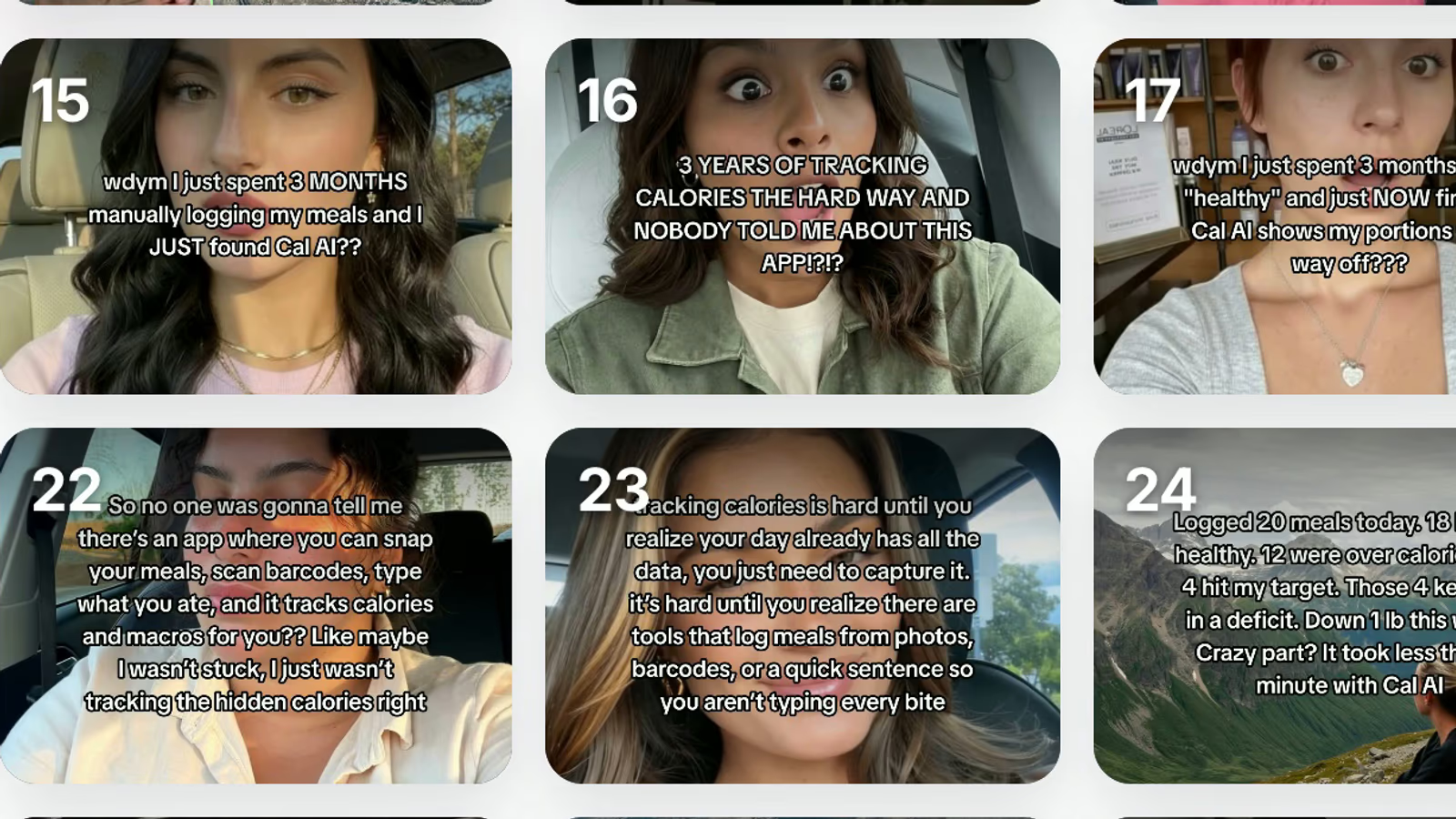
- Text-on-photo commentary in the voice of your customer, which is the native register of the feed.
- Receipts: results, numbers, screenshots, and anything a sceptical viewer would ask you to prove.
Notice how little of that requires design skill. Slideshows reward clear thinking and a good first line far more than they reward polish, which is why a founder with a phone often beats an agency deck. The constraint is volume: one good slideshow a week will not move anything, and the accounts that win are posting daily across several angles at once.
How do you make TikTok slideshows at scale?
This is where Fastlane comes in. You give it your website URL, it learns your product, your positioning, and the objections you have to beat, and it generates the content: slideshows for TikTok and Instagram, hyper-realistic AI UGC videos drawn from a library of more than 1,000 AI characters, hook and demo videos, and memes, all remixed against live trends rather than whatever was popular last quarter. Blitz mode lets you swipe through everything it made, Tinder-style, and approve a week of posts in a few minutes.
From there it publishes natively to TikTok, Instagram Reels, and YouTube Shorts, schedules weeks ahead, and reports unified analytics that attribute signups and sales back to the individual post that produced them, so you can see which slideshow angle actually sells rather than which one got likes. If your accounts are the constraint, Fastlane also sells human-warmed TikTok and Instagram accounts, created from scratch by real people in up to 12 countries and warmed for 5 days in your niche, from $100 per account per month on the launch offer plus $1.50 per post upload. There is a developer API and an MCP server if you would rather drive it all from your own stack.
Slideshows are the highest leverage format in short-form right now precisely because they are cheap to make and expensive to sustain. Solve the sustaining part and the format does the rest. Start free at usefastlane.ai, no credit card required, with paid plans from $29 per month when you want the volume.
Frequently asked questions
What is a TikTok slideshow?
A TikTok slideshow is a post made of still images instead of video, created in Photo Mode, that viewers swipe through while a sound plays.
How do you make a slideshow on TikTok?
Tap the plus button, switch to Photo at the bottom of the camera screen, select your images in order, add a sound and text, then post.
How many photos can a TikTok slideshow have?
Up to 35 images in a single post, though 5 to 10 slides is the range where most brand slideshows hold attention.
What size should TikTok slideshow images be?
Export at 1080 x 1920 pixels in a 9:16 vertical ratio so each slide fills the screen without letterboxing or cropped text.
Do TikTok slideshows get more reach than videos?
Not automatically, but every swipe is an active interaction, so a slideshow that holds a viewer generates dwell time and engagement signals a scrolled-past video never produces.
Can you post the same slideshow on Instagram?
Yes. Instagram carousels take up to 20 slides at the same 9:16 export, and Instagram re-serves carousels to people who did not swipe the first time.
How do you make TikTok slideshows without designing every slide?
Fastlane turns a website URL into slideshows, AI UGC videos, hook and demo clips, and memes, then publishes them natively to TikTok, Instagram Reels, and YouTube Shorts.
Are slideshows good for ecommerce and apps?
Yes, because a slideshow can carry more text than a 15 second video, which suits before and after sequences, feature walkthroughs, and objection handling.